
Totara V20
Discover what’s new in Totara 20 and why it matters.

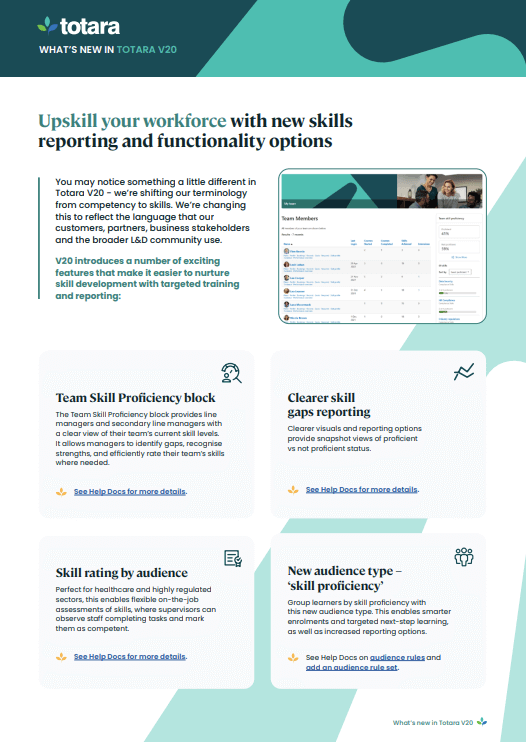
From complex compliance management to workforce upskilling, Totara Version 20 (V20)
New and enhanced features
- Flexible multi-year recertification pathways
- New compliance insights reporting block
- Learner self-enrolment for programs & certifications
- Enhanced skills functionality and reporting
- AI features that enhance the learner experience and boost L&D efficiency
- Multi-Factor Authentication for all users
- Time-saving administration workflows that support compliance management
- Content discovery and search enhancements
- Plus Mobile App enhancements and new APIs
Looking back at Totara V19
Embrace the power of collaborative learning through the launch of Totara’s latest platform release
New collaborative features encourage learners to engage on core topics in meaningful ways. It’s now easier than ever to include the power of collaborative learning into your learner journey.
Knowledge sharing, connecting with peers, and providing safe spaces to practice all help learners contextualise their learning content.
New and enhanced features
- A sleeker look and feel with the new Inspire theme
- Contemporary left aligned navigation bar
- Reimagine your LMS experience with Totara’s OpenAI Integration
- API enhancements that improve HRIS data flow
- New course enrolment approval workflow
- Certification & Program improvements
- Improved goal functionality and Perform UX enhancements
- Improved workflows for performance management reviews
- Improved workspace visibility and enhanced search functionality
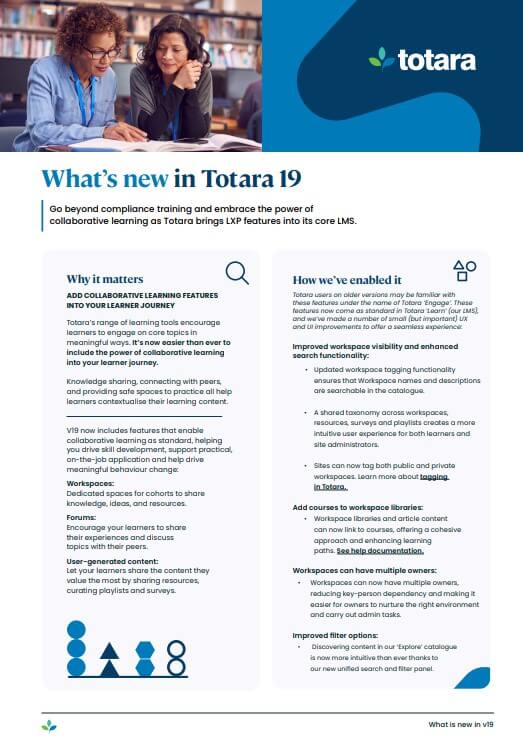
A modern look and feel with the launch of our new user interface
Totara success stories

Real Life Options – Securing control over their LMS future

EDA interconnectivity to unleash training productivity
Plessey transition learning through micro learning on mass

Glen Dimplex (GDHV) transforms internal communication and cooperation
B/S/H/ (Bosch, Siemens and Neff) improves L&D opportunities
across Europe
Bradford’s grows employee engagement with new bespoke learning platform
Scottish Prison Service (SPS) increases staff engagement

Builders Merchants Federation (BMF) creates successful learning culture
Guild of Architectural Ironmongers
gives global access with GAI Learning Hub
Get to know us
How can we help?
Our experts are on hand ready to help so ask away.
*Required